Run your coding agents all day.No 5-hour or weekly limits.
One flat monthly price for an OpenAI- and Anthropic-compatible API, with no token meter and no reset windows. Your plan sets how many agents run at once, never how much they get done.
- No token meter
- Works with Claude Code & Codex
- Cancel anytime
# Point Claude Code at NeverMetered
export ANTHROPIC_BASE_URL="https://api.nevermetered.com"
export ANTHROPIC_AUTH_TOKEN="$NEVERMETERED_API_KEY"
export ANTHROPIC_MODEL="qwen3.8-27b"
export ANTHROPIC_DEFAULT_OPUS_MODEL="qwen3.8-27b"
export ANTHROPIC_DEFAULT_SONNET_MODEL="qwen3.8-27b"
export ANTHROPIC_DEFAULT_HAIKU_MODEL="qwen3.8-27b"
export CLAUDE_CODE_SUBAGENT_MODEL="qwen3.8-27b"

# then start it as usual
claudeReading src/billing/retry.ts… found it: the backoff never resets after a success. Patching it and re-running the test suite.
- Model
- qwen3.8-27b
- Open weights, served on dedicated GPUs
- Context window
- Up to 256K
- Tokens per request, by plan
- Usage caps
- None on paid plans
- No token quota, 5-hour window or weekly cap
- APIs
- OpenAI + Anthropic
- Chat Completions, Responses, Messages
Agents are brilliant at spending tokens
A coding agent re-reads files, re-sends the conversation and retries until the tests pass. That's how it gets good results, and it's exactly what metered pricing punishes.
Bills that grow with every step
Agents re-send the whole conversation on every turn. Per-token APIs charge for each re-read, so long sessions get expensive exactly when they get useful.
Limits that stop work mid-task
Coding plans ration usage with 5-hour windows and weekly caps. Hit one halfway through a refactor and you wait hours, or days, for the reset.
Costs you can't predict
You only find out what a task cost after it's done, so you hesitate before letting an agent run on its own.
We pay for GPUs, not tokens. So do you.
We run the model on dedicated GPUs. Once a GPU is paid for, one more token costs us nothing, so we don't charge you for tokens either.
What a GPU can't do is unlimited work at the same moment. So that's what plans are priced on: how many of your requests generate at once. Use it all day, every day, and the price stays the same.
The trade-off, up front: it's one open model rather than a frontier one, it's slower than the big hosted APIs, and at the busiest moments a request can wait briefly for a free slot. See the benchmarks and speed.
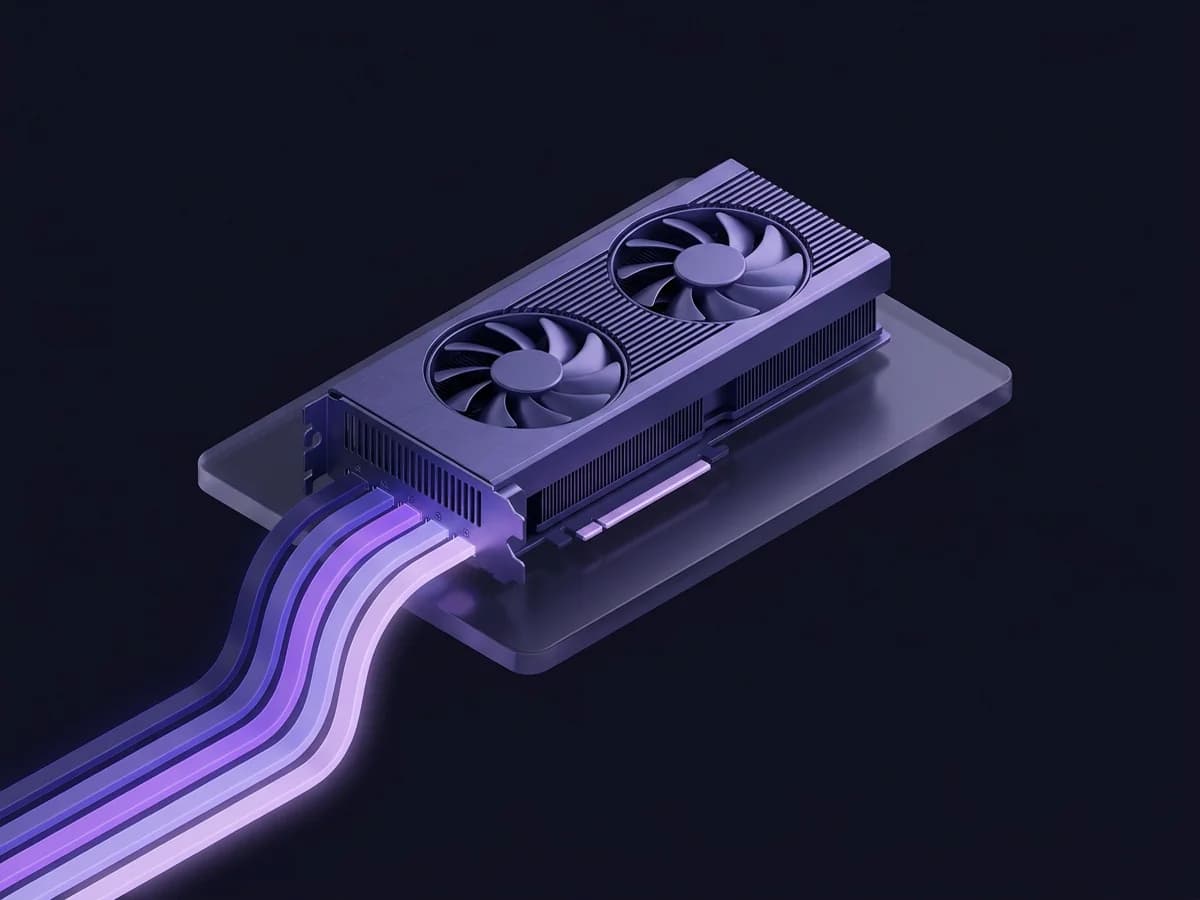
- Dedicated GPUs running qwen3.8-27b
- Priced by how much runs at once: what actually costs us
Qwen3.8-27B: open weights, made for agentic coding
Released August 2026 under Apache 2.0, with a 256K native context window. Here's how it compares on coding benchmarks, and how fast it runs on our GPUs.
Coding benchmarks
Higher is better. Opus 4.6 Max is the frontier model in the same published table.
| Benchmark | Qwen3.8-27B | Opus 4.6 Max |
|---|---|---|
Terminal Bench 2.1 Agentic terminal coding | 73.0 | 78.2 |
SWE-bench Pro* Agentic coding | 61.7 | 53.4 |
NL2Repo-Bench Repo-level code generation | 42.3 | 47.6 |
LiveCodeBench v6 Competitive coding | 90.3 | 88.8 |
Published by Qwen on the Qwen3.8-27B model card; the agentic coding runs used the Claude Code harness.
* Opus 4.6 Max's SWE-bench Pro figure is its officially reported score; Qwen re-ran the other models on a corrected version of the benchmark.
Scores are for the full-precision model. We serve a 4/5-bit quantized build so it fits our GPUs, which can score a little lower.
Speed on our GPUs
Tokens per second per request. The first token usually arrives in under a second for a short prompt, up to about 2.5 s when a server is full.
Ours measured September 2026 on our dual-GPU servers, with the production engine settings on the server itself (network time not included) and 400-token answers. Claude Opus on Anthropic: OpenRouter's reported throughput, September 2026. Long prompts take longer to start because the whole prompt is read first: a 19K-token agent context takes about 20 seconds on its first turn. Follow-up turns reuse the cache, so only the new part of the prompt is read.
Good at
- Everyday agent work: reading a codebase, multi-step edits, writing tests, refactors and reviews
- Terminal-driven tasks where the agent runs commands and reacts to the output
- Long sessions: the model handles up to 256K tokens of context natively
Weaker at
- The hardest, longest problems, where the best frontier models still lead
- Raw speed: slower than the big hosted APIs
- Text only: images in prompts aren't supported
Keep your frontier plan. Send the long-running work here.
Use Claude or Codex for the hard decisions, and point the grunt work at NeverMetered, where it never hits a limit. Most people run both.
A great fit
- Agents that run for hours, or overnight while you sleep
- Several agents, terminals or subagents working at the same time
- Tests, refactors, migrations and docs: work a test suite or reviewer can check
- Keeping work moving after your Claude or Codex limit runs out
Not the right fit
- Light or occasional use: paying per token is cheaper if you only code with agents a few days a month
- The hardest design and debugging problems, where a frontier model is worth its limits
- Production features your customers depend on: there's no uptime guarantee or SLA
Built for agents that work all day
Everything you'd expect from a hosted API, without the meter running in the background.
No meter, no reset windows
No per-token charges, no 5-hour window and no weekly or monthly quota. Long contexts, long answers and retries are all included.
Agents side by side
Your plan sets how many requests generate at once. Subagents, a second terminal or your editor each use one while they run.
A runaway agent can't eat your plan
Give each API key its own limit, so a background job never crowds out the session you're working in.
Drop-in for your tools
Speaks OpenAI Chat Completions and Responses, and Anthropic Messages. Change the base URL and key, keep everything else.
Long sessions stay fast
Follow-up turns reuse the prompt cache from earlier ones, so your agent doesn't wait to re-read the same files.
See every request
Your dashboard lists each request with its tokens, cache hits and latency. Export anything to CSV.
Switch in five minutes
If your tool already talks to OpenAI or Anthropic, switching is a base URL and a key.
- 1
Create an account
Get an API key in under a minute and pick a plan.
- 2
Point your agent at it
Set a base URL and key in Claude Code, Codex, OpenCode or any OpenAI or Anthropic SDK. There's a step-by-step guide for each tool.
- 3
Choose how many run at once
Upgrade when one agent at a time isn't enough. No plan has a token quota or reset window, and you can cancel anytime.
One flat price. Pick how many agents run at once.
No token quota, 5-hour window or weekly cap on any paid plan. One parallel stream runs one agent at a time; add more to run several side by side, and extra requests wait briefly in a queue.
Day Pass
One agent at a time.
- Unlimited requests
- 128K context window
- Up to 131,072 output tokens per request
Week Pass
One agent at a time.
- Unlimited requests
- 128K context window
- Up to 131,072 output tokens per request
Solo
One agent at a time.
- Unlimited requests
- 256K context window
- Up to 248,320 output tokens per request
Pro
3 agents at once.
- Unlimited requests
- 256K context window
- Up to 248,320 output tokens per request
Every plan includes: 2 requests can queue · Unlimited input & output tokens · Each request can run for up to 15 min
Using Claude Code or another agent with subagents? Choose Pro. Subagents run side by side and each needs its own stream; on a one-stream plan they wait for each other. Pro runs 3 at once.
Limits we won't quietly change
Coding plans keep cutting limits after people sign up. Here's what we commit to instead.
No token caps, ever
Paid plans will never get a token quota, a 5-hour window or a weekly cap. They're priced on parallel streams, and that won't change.
Your plan stays as you bought it
A subscription keeps its price and its parallel streams for at least 12 months. After that, any change gets 30 days' notice by email, so you can cancel first.
Easy to leave
Cancel from your dashboard in a couple of clicks. Your first purchase is refundable within 14 days, no questions asked. It's all in the Terms of Service.
Questions, answered
What's a parallel stream, and how many do I need?
What does “never metered” actually mean?
Will you cut the limits later, like other plans have?
Which model is it, and is it as good as Claude or GPT?
How fast is it?
Can I use it alongside Claude, Codex or Cursor?
What happens at busy times?
Is there a free tier?
What is the context window?
Which tools work with it?
Can I cancel anytime?
Do you store or train on my prompts?
Let your agents run.
No token meter and no 5-hour or weekly limits, for one flat price. Upgrade when you want more agents working at once.